Mutual exclusion of experiments
In short
The „Mutual Exclusion“ feature prevents different experiments from running simultaneously.
How to use mutual exclusions
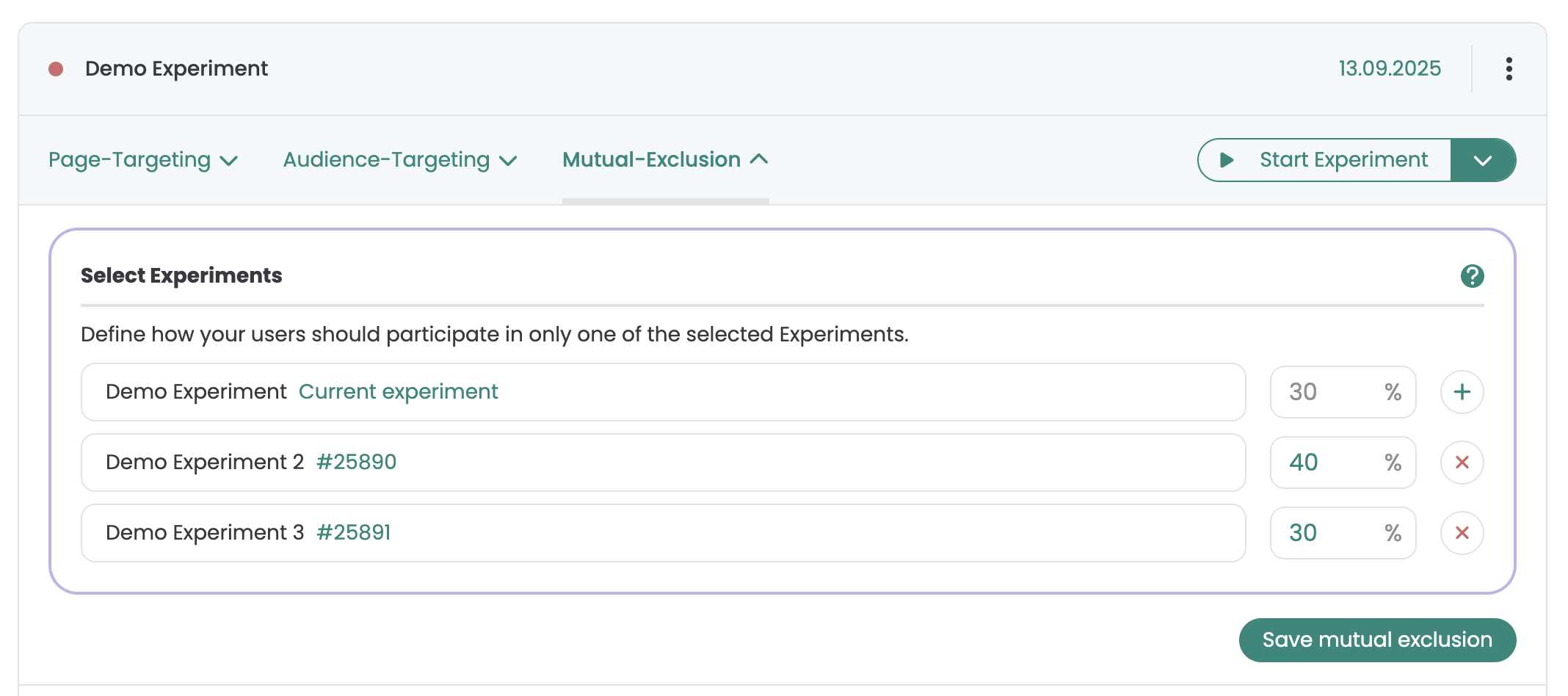
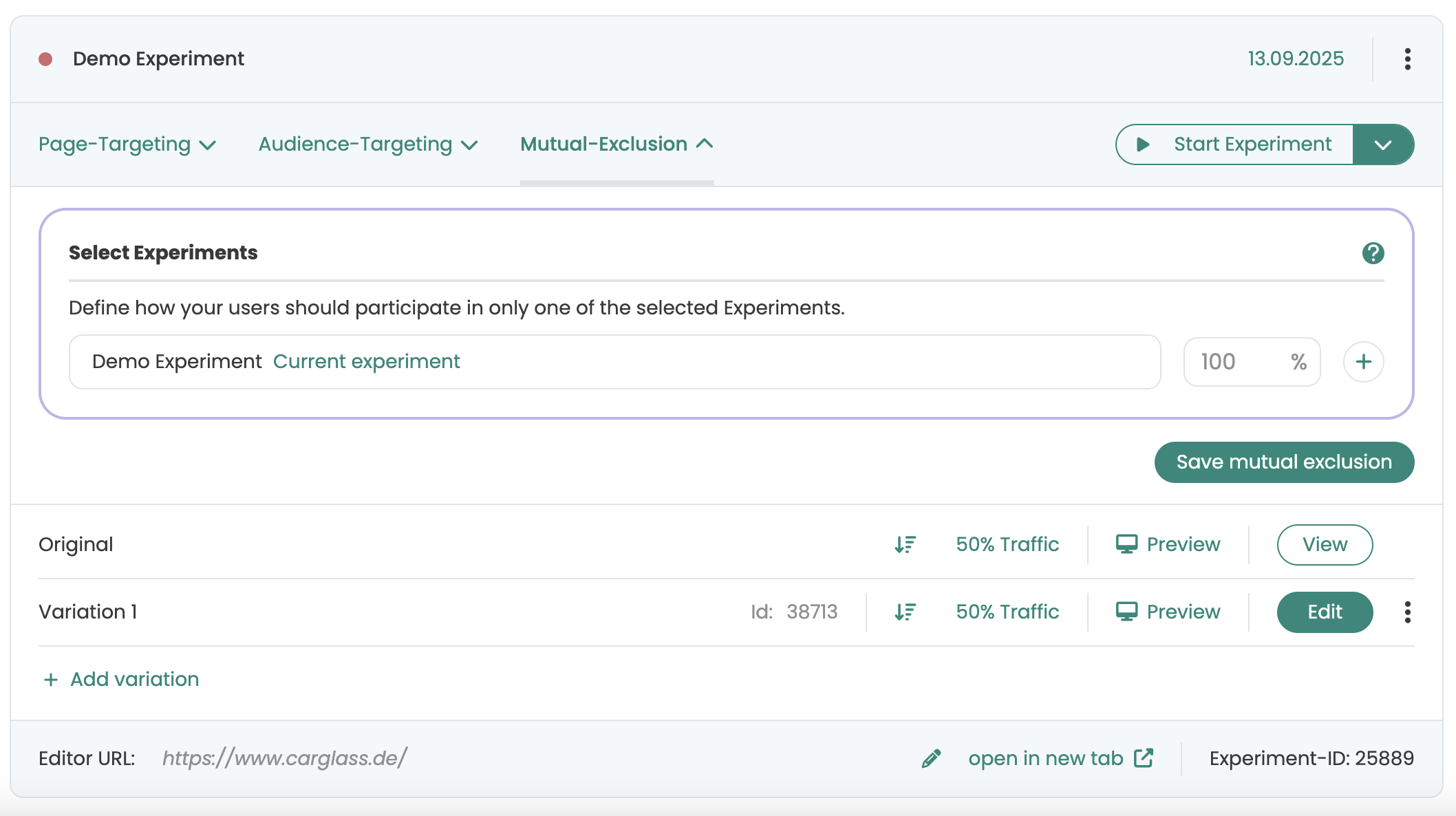
In addition to Page Targeting and Audience Targeting, you will find the "Mutual Exclusion" tab. Here you can define which experiments may not be delivered at the same time as the current experiment. All experiments contained in this defined group are excluded from being played out at the same time as each other. You can also configure the traffic distribution for the delivery of the experiments to each other.
Paused tests are also included in the delivery. This means that if you only start one experiment, for example, it will still only be delivered according to the defined traffic distribution. As soon as you start the other experiment(s), the visitors already assigned to the other experiments will be assigned accordingly.