Experiment API
Table of contents
In short
With the Experiment API, you can create, pause, and archive experiments and variants via API, as well as define traffic allocation, page targeting, and audience targeting. You can also retrieve the raw data from your experiments and configure all of your experiment settings.
How to use the Experiment API
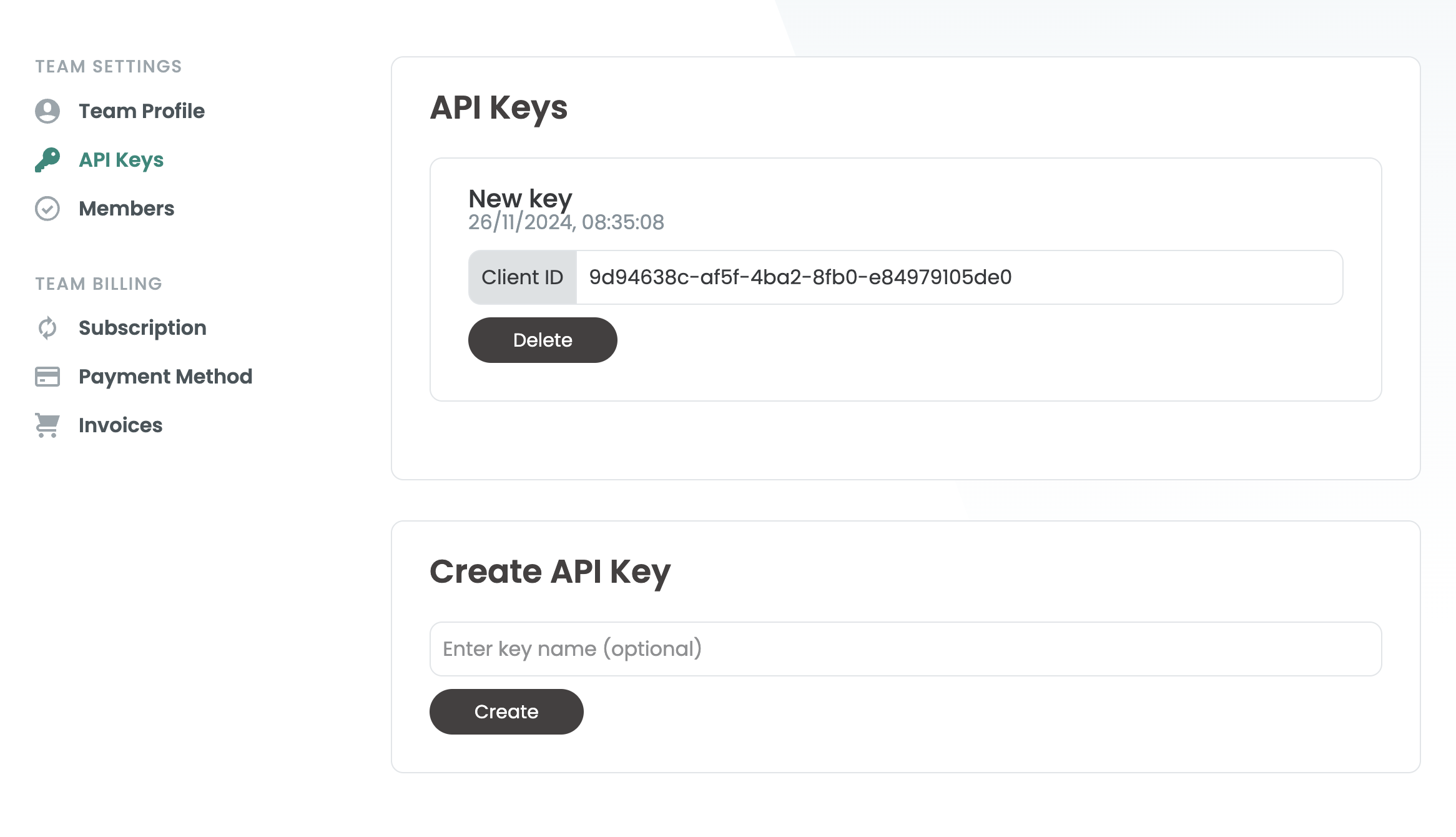
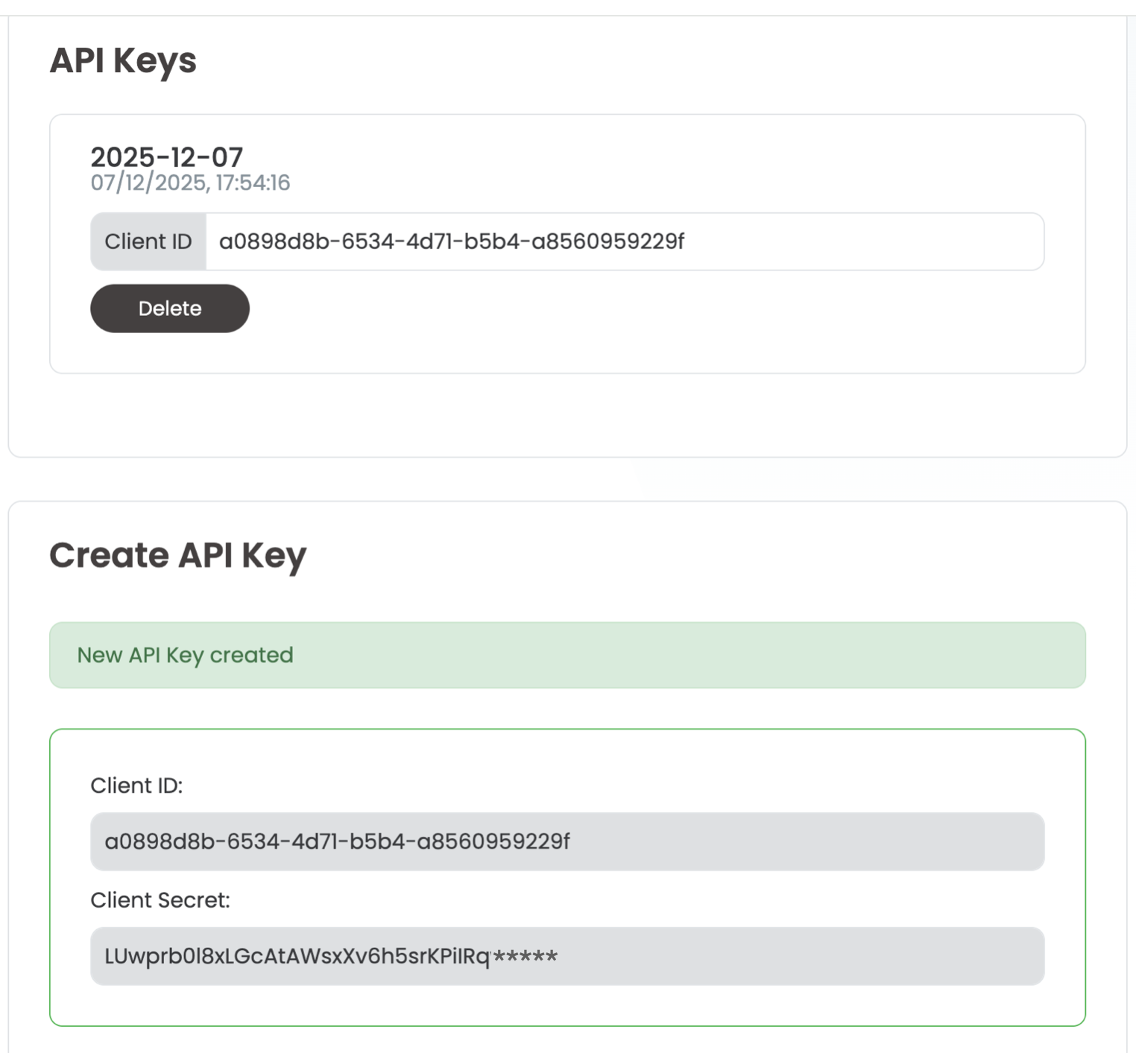
The account owner can create an API key under Team Settings in the API Keys menu item. Once the API key has been created, both the client key and the secret key will be visible.
The client secret is only visible shortly after creation and cannot be displayed again afterwards.
Developer documentation
Click here to go to the Developer documentation.