Add HTML
In short
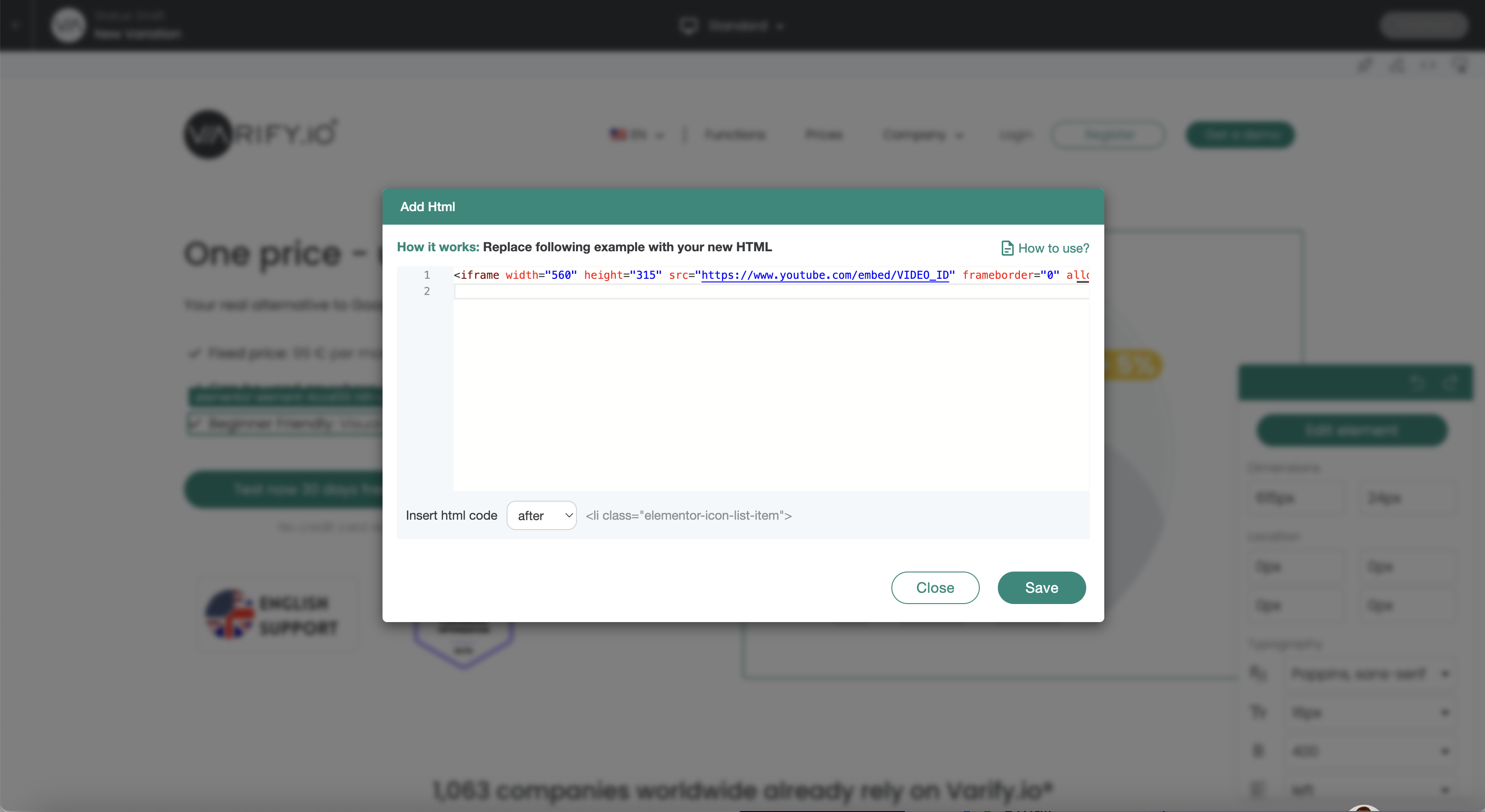
The „Add HTML“ feature lets you add new code to your website. This function should only be used by experienced users.
Use Cases
important
Important Notice:
Elements that have been inserted using „Add HTML“ cannot be edited later using the editor.
Example: The target URL of an element (button) that has been inserted cannot be changed later using „Add Link Target.“.
Add heading
<h1>Your new headline</h1>
Add text
<p>Your new text</p>
Add call to action button
<a href="https://www.beispiel.de" target="_blank" rel="noopener">
  <button style="background-color: #007bff; color: white; padding: 10px 20px; border: none; cursor: pointer;">Learn more</button>
</a>
Add testimonial / quote
<blockquote>
  <p>"This product has changed my life!" - Max Mustermann</p>
</blockquote>
Add images
<img decoding="async" src="http://url-zum-bild.jpg" alt="Product description" data-lazy-src="http://url-zum-bild.jpg"><noscript><img decoding="async" src="url-zum-bild.jpg" alt="Product description"></noscript>
Add lists
<ul>
  <li>Free shipping</li>
  <li>30 days return policy</li>
  <li>24/7 customer support</li>
</ul>
Add advantages
<ul style="list-style-type: none;">
  <li><span style="color: green;">✔</span> Free shipping</li>
  <li><span style="color: green;">✔</span> 30 days return policy</li>
  <li><span style="color: green;">✔</span> 24/7 customer support</li>
</ul>
Add iframe / YouTube video
<iframe width="560" height="315" src="https://www.youtube.com/embed/VIDEO_ID" frameborder="0" allow="accelerometer; autoplay; encrypted-media; gyroscope; picture-in-picture" allowfullscreen></iframe>