Renaming experiments & variations
Table of contents
In short
The name of an experiment or the variants of an experiment can be easily changed using the "rename" option.
Rename experiment
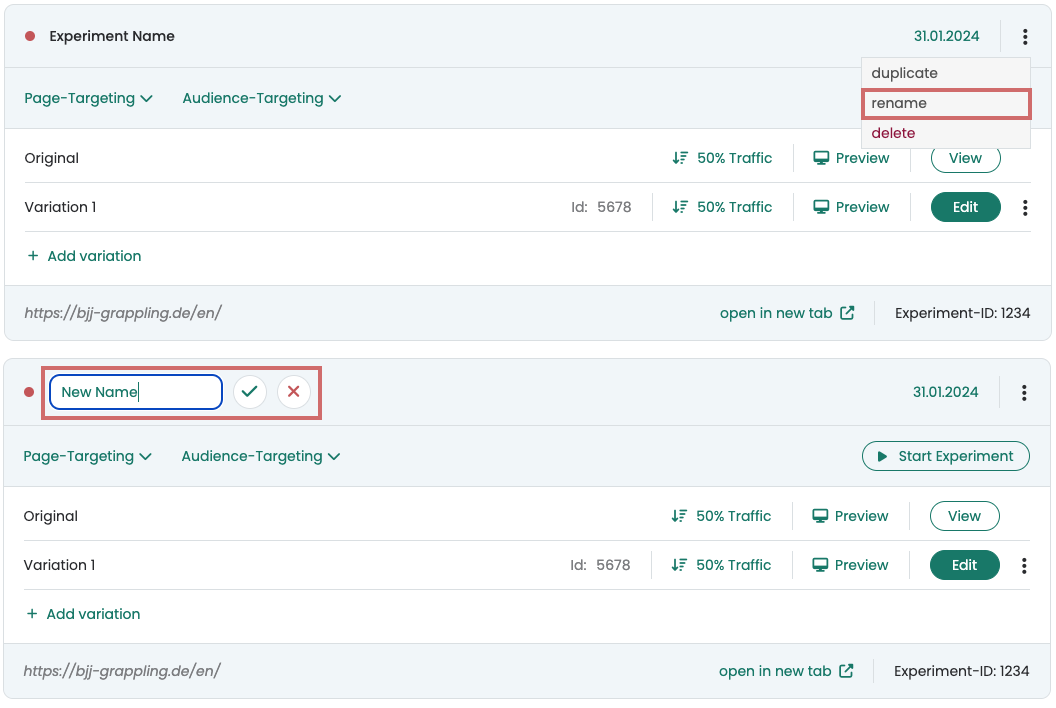
Experiments can be easily renamed in the dashboard. To do this, click on the three dots in the top right-hand corner of an experiment and click on "rename".
A text field will then open. Enter the new name of the experiment and click on the check mark to save.
Rename variations
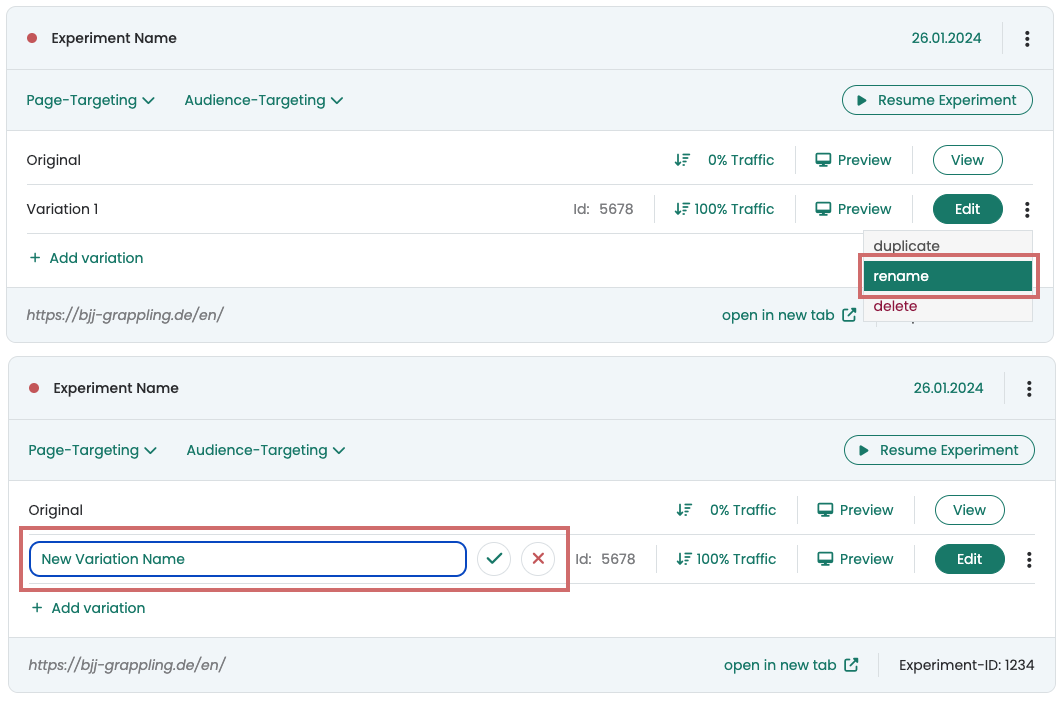
Variants can be easily renamed in the dashboard via the menu to the right of the edit button. To do this, click on the three dots and select "rename".
A text field will then open. Enter the new name of the variant and click on the check mark to save.