Server-side Delivery API (legacy)
Legacy, but fully supported. The Delivery API works exactly as described on this page. Existing integrations keep running and need no changes. For new integrations, use the SDKs instead, see Server-side A/B testing.
In short
The Delivery API is a REST interface for in-house development teams who want to integrate A/B testing into their own infrastructure. Your server asks the API which variation a visitor gets, before the page is rendered, so no client-side JavaScript decides the variation. This removes flicker and works where a classic client-side snippet does not: headless setups, server-side rendered applications and native mobile apps.
How it works
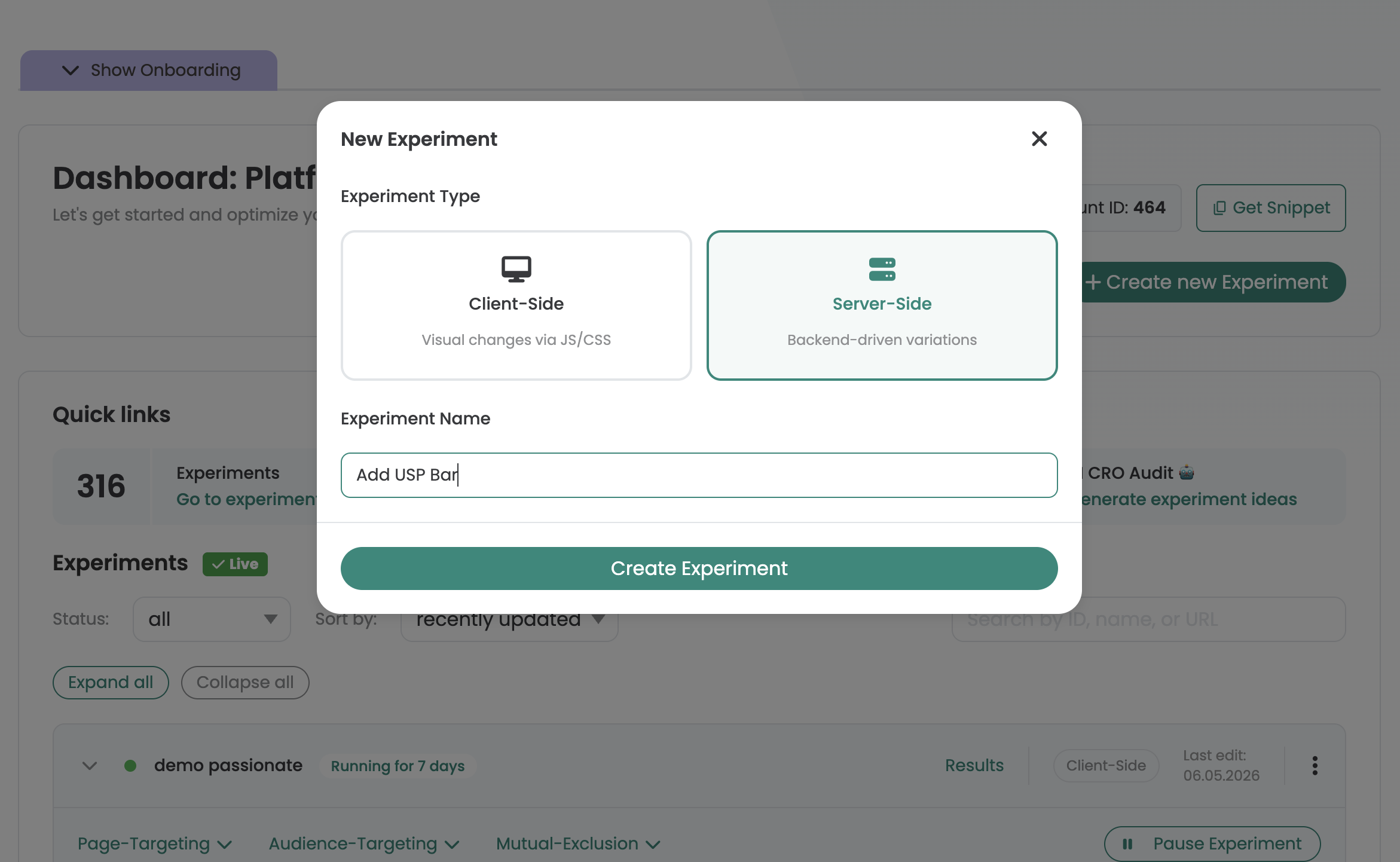
Create a new experiment in the Varify dashboard and select Server Side Experiment.
The experiment then appears in the dashboard. There you control the traffic distribution, start the experiment and find the Experiment ID and the Variation IDs that you need for the integration.
The integration uses two API endpoints, which your development team adds to the existing backend logic.
1. Create a user
POST /ss/{teamId}/users
When a new visitor makes their first request, create a user with this endpoint. The API returns a userId (UUID). Your system must persist it, for example in a cookie, a session or your database. The ID identifies the visitor in all later requests.
Response example:
{
  "userId": "a9533ef0-bbc4-47a1-90b8-2f2d3bba43a3"
}
2. Get the variation
GET /ss/{teamId}/experiments/{experimentId}/variations/{userId}
Use the saved userId to query the variation assigned for a specific experiment. If no variation has been assigned yet, the first call assigns one. The assignment is deterministic: the same user always receives the same variation for the same experiment, no matter how often you call the endpoint.
Response example, user has been assigned a variation:
{
  "variation": 48838,
  "tracking": {
    "experiment": {
      "id": 32596,
      "name": "Homepage CTA Test"
    },
    "variation": {
      "id": 48838,
      "name": "variation-1"
    }
  }
}
Response example, user receives the original:
{
  "variation": null,
  "tracking": {
    "experiment": {
      "id": 32596,
      "name": "Homepage CTA Test"
    },
    "variation": {
      "id": null,
      "name": null
    }
  }
}
The field variation contains either the ID of the assigned variation (for example 48838, you find these IDs in the Varify dashboard) or null if the user should see the original. The tracking object with the experiment context is returned in both cases.
Your backend uses the returned variation ID to decide which version of the page or content to render. Map each variation ID to the matching version in your backend logic. null always means: show the original.
You can still manage the experiment configuration (traffic distribution, start and stop) in the Varify dashboard.
3. Set up tracking
To evaluate a server-side experiment in the dashboard, add the tracking object from the response of the variation endpoint to the rendered page:
- Write the content of the
trackingobject, unchanged and as JSON, into ascripttag withtype="application/json"and the attributedata-varify-tracking. - Varify then triggers the tracking automatically and respects the visitor's consent status. This also works if
varify.jsis not used for any other test on the page. A manualwindow.varify.setTracking(true)is not necessary. - Without this step, you only see the experiment configuration in the dashboard and no evaluation data, because the Delivery API has no endpoint for reporting events.
Sample markup:
<script type="application/json" data-varify-tracking>
{
  "experiment": {
    "id": 32596,
    "name": "Homepage CTA Test"
  },
  "variation": {
    "id": 48838,
    "name": "variation-1"
  }
}
</script>
If variation.id and variation.name are null (original), still render the block. Varify then counts it as an original playback.
Developer documentation
The complete API reference (OpenAPI 3.1) with all endpoints, parameters and error codes is available at app.varify.io/ss/docs.