Varify Model Context Protocol (MCP)
In short
The Varify MCP connects an AI assistant such as Claude or ChatGPT to your Varify account. You can then create and manage experiments, set targeting and read results directly in the chat. To use it, enable the MCP in your account and add it as a connector in your AI tool.
The Varify MCP is available in the Pro and Enterprise plans.
What you can do with the Varify MCP
- Create new experiments, including variations; edit, duplicate, pause, or archive existing ones
- Adjust traffic allocation among variations
- Define page targeting and audience targeting (e.g., by URL, device, browser, or UTM parameters)
- Turn tracking on or off for each experiment as needed
- If GA4 is connected: view results directly, including daily reports and revenue analyses based on GA4 data
- As an agency: get an overview of all client accounts under management in your agency account
The MCP uses the same Experiment API that you can also use for custom integrations. The complete reference is available here: https://developers.varify.io/
Step 1: Activate the MCP in your account
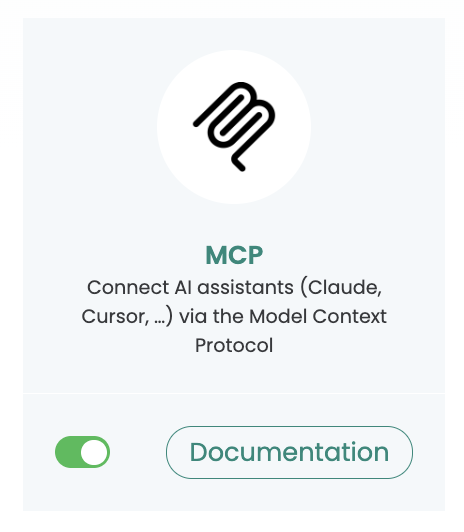
In your Varify account, go to „Connectors“ and switch on the Varify MCP.
Step 2: Add the MCP to your AI tool
Claude Chat
Varify is listed as an official connector in Claude, so you can also add it from Claude's list of connectors. To add it by URL:
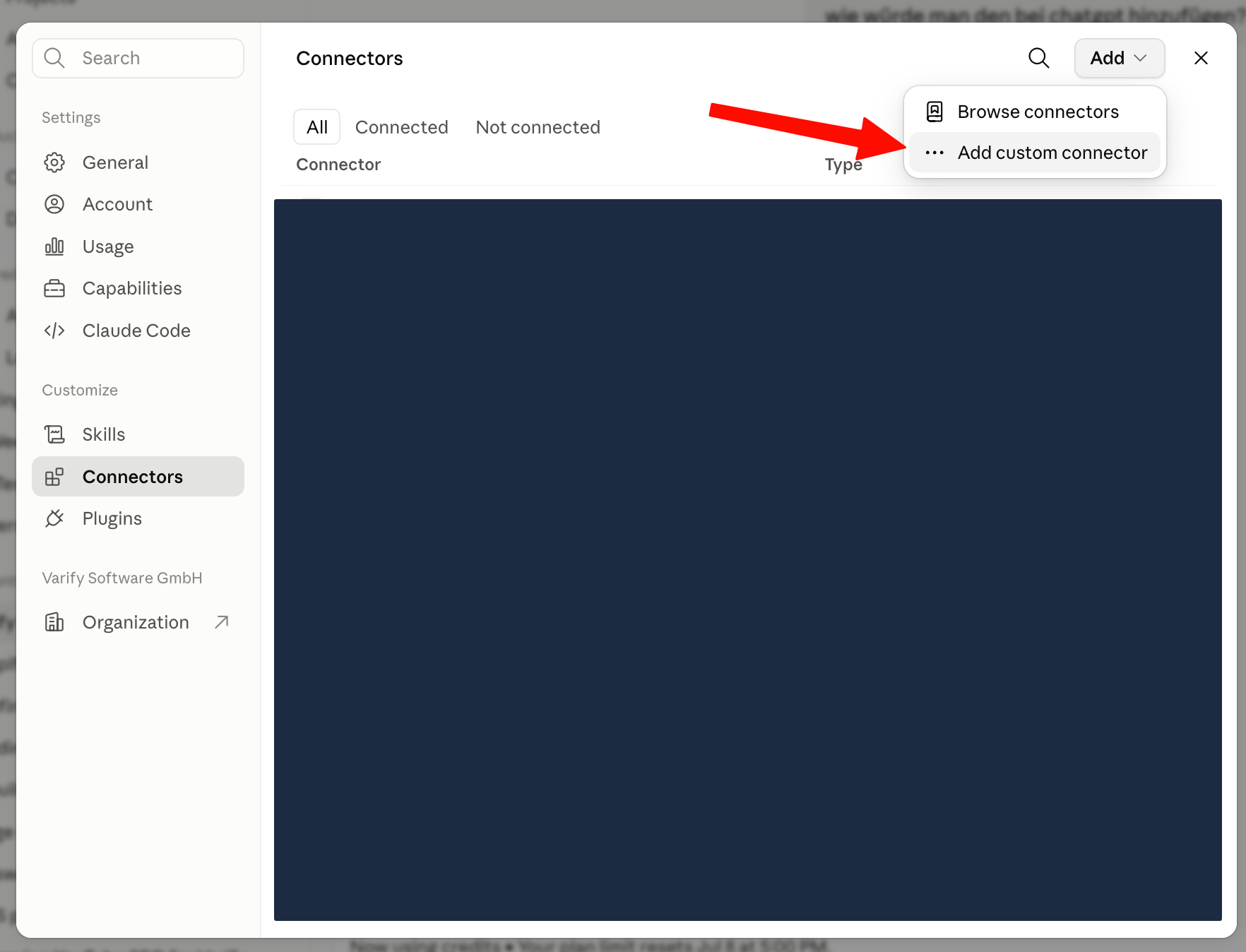
- Open „Settings“ → „Connectors“.
- Click „+“ and then „Add custom connector“.
- Enter the URL:
https://app.varify.io/mcp - Click „Add“.
- Click „Connect“. You are redirected to app.varify.io.
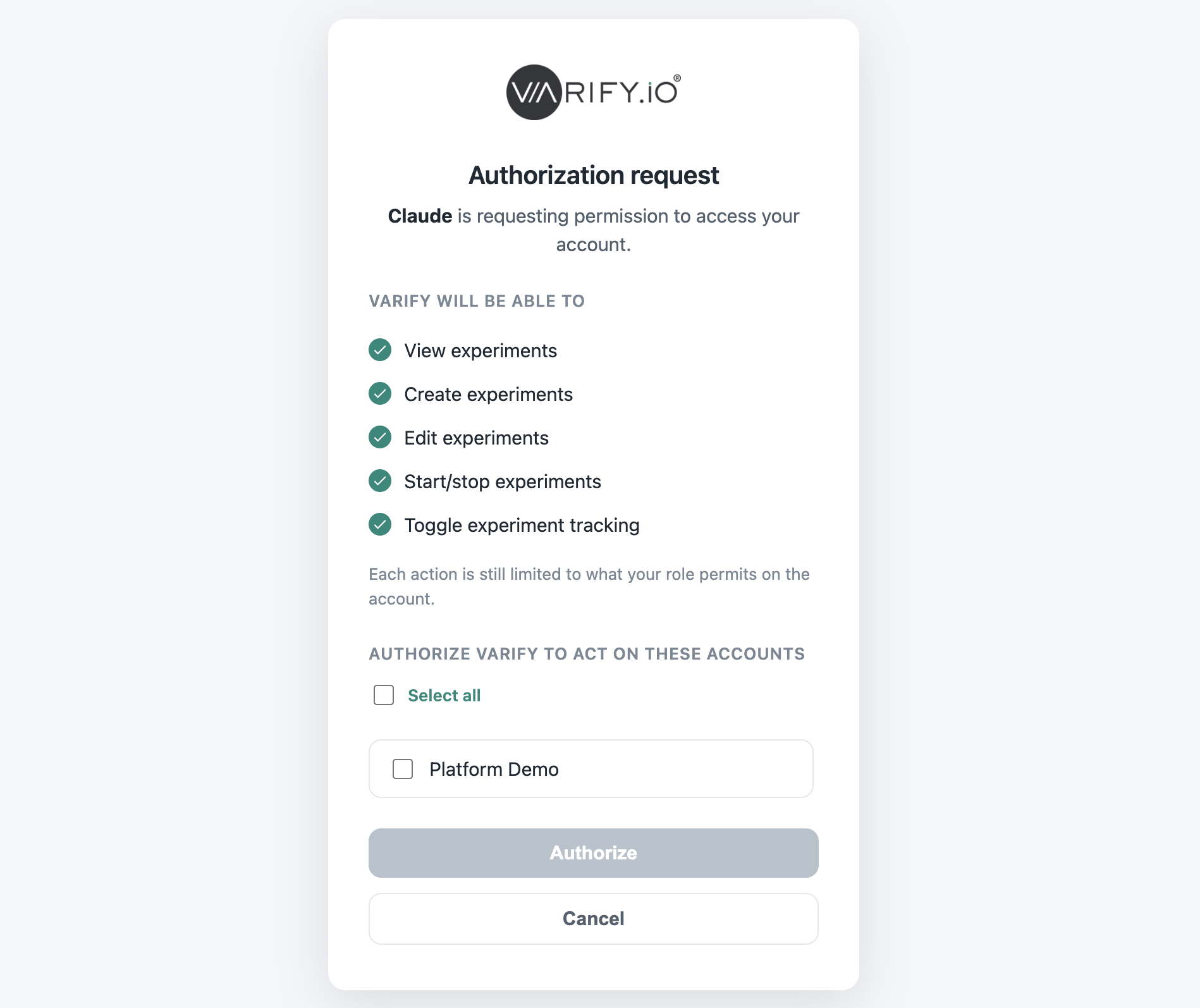
- Log in and grant Claude permission to access Varify.
The Varify MCP is now connected, and you can control and manage your experiments directly through Claude.
Installation in Claude Code
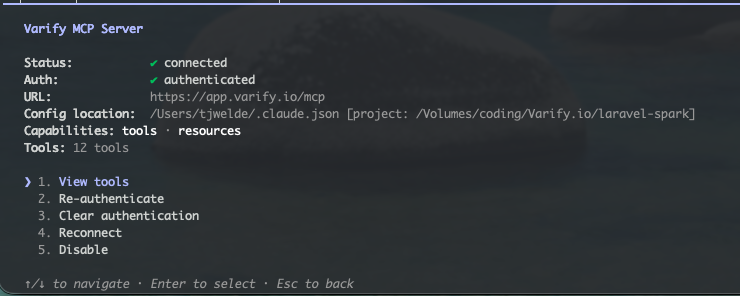
Install the MCP via the console:
claude mcp add --transport http varify https://app.varify.io/mcp
Installation in ChatGPT
In ChatGPT, you first have to enable „Developer Mode“:
- Open „Settings“ → „Apps & Connectors“ → „Advanced Settings“.
- Turn on „Developer Mode“.
- In the Connectors view, click „Create“ (or create a new connector).
- Enter the server URL:
https://app.varify.io/mcp - Enter a name and description and save the connector.