Exporting the experiment results from Varify
Table of contents
In short
Export your experiment results via CSV or via the API. All your added goals in the Varify report of your experiment are included in the export.
CSV Reports
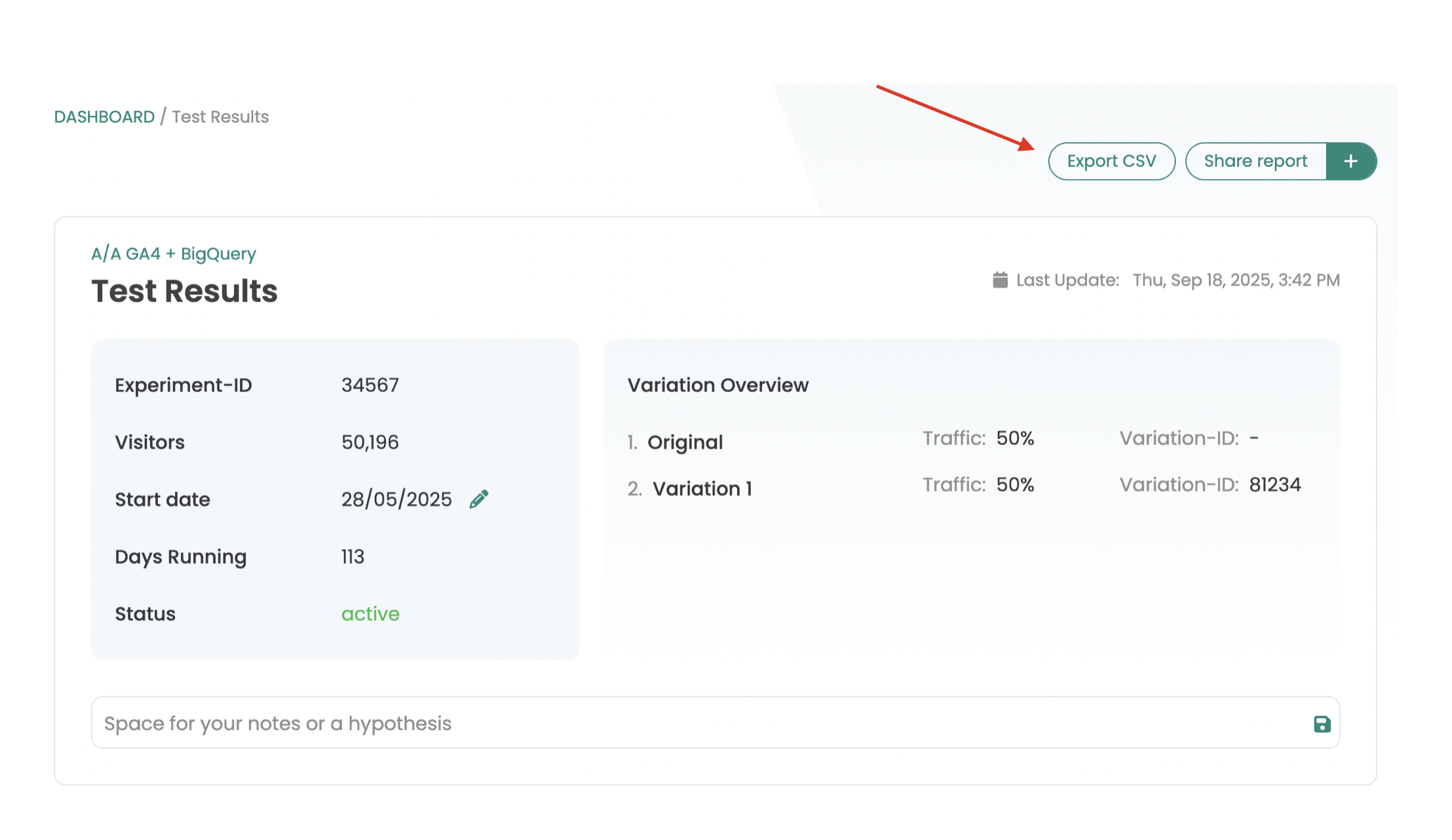
Right above each experiment report, you'll find the „Export CSV“ button. When you click it, a report will be sent to your email address as a CSV file.