Share report
In short
Create a share link for your Varify reporting in just a few clicks to share A/B test results with colleagues or clients who don't have a Varify account.
Create new share link
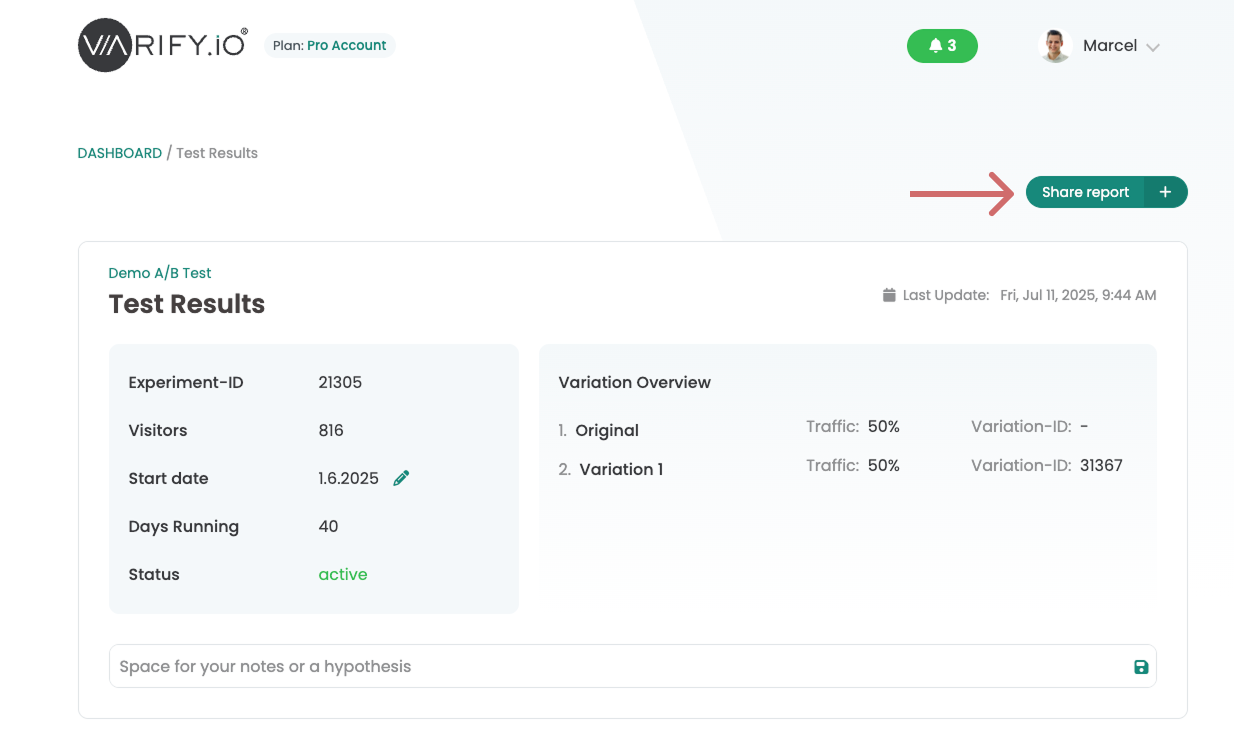
To create a new share link for your report, simply click the „Plus“ icon next to “Share Report” at the top.
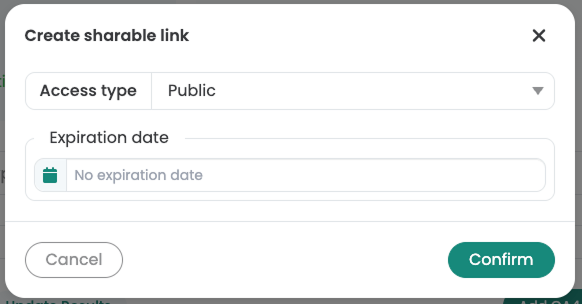
You can now create a new link in the window that opens. You can select various sharing options for the share link.
Access type: Public
With the "Public" access, anyone who has the share link can open the report.
Optional: You can set an expiration date for the share link. After this date, the link will be deactivated.
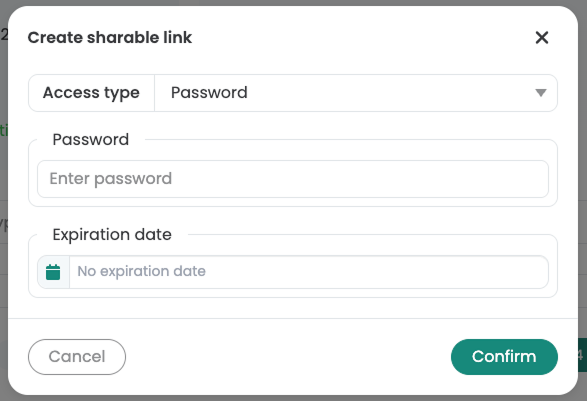
Access type: Password
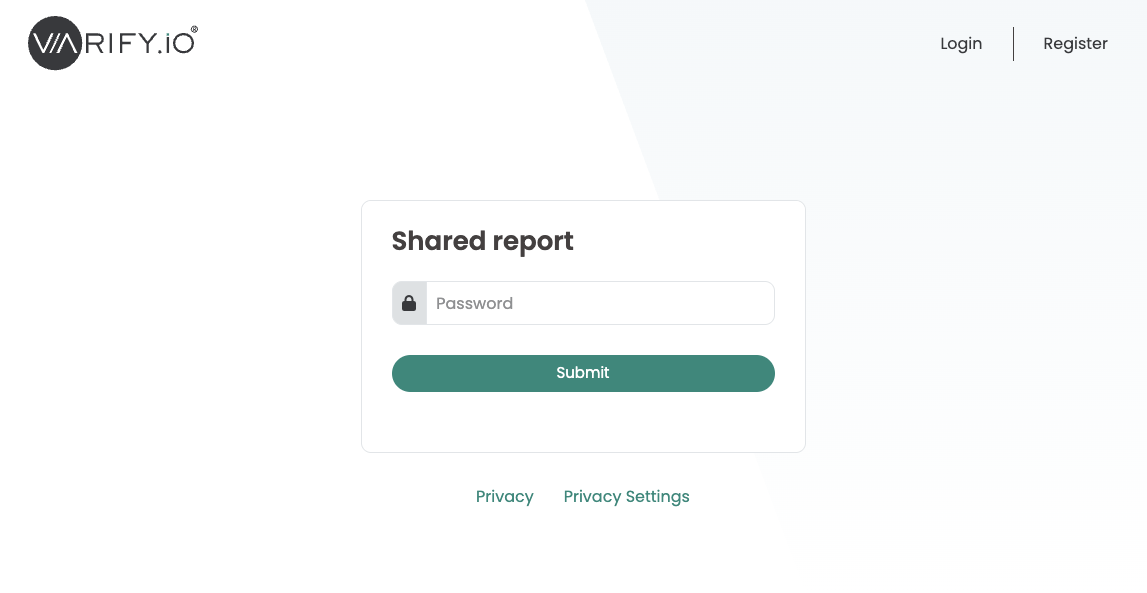
With the "Password" access you can set an access password for the report. Visitors can only open the report if they enter the correct password.
Optional: You can set an expiration date for the share link. After this date, the link will be deactivated.
Access type: E-Mail
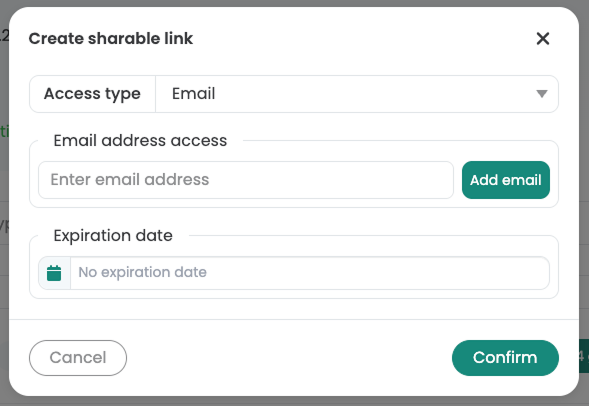
With the "Email" access, you can release the report specifically via email addresses.
Enter the corresponding e-mail address and click on "Add email".
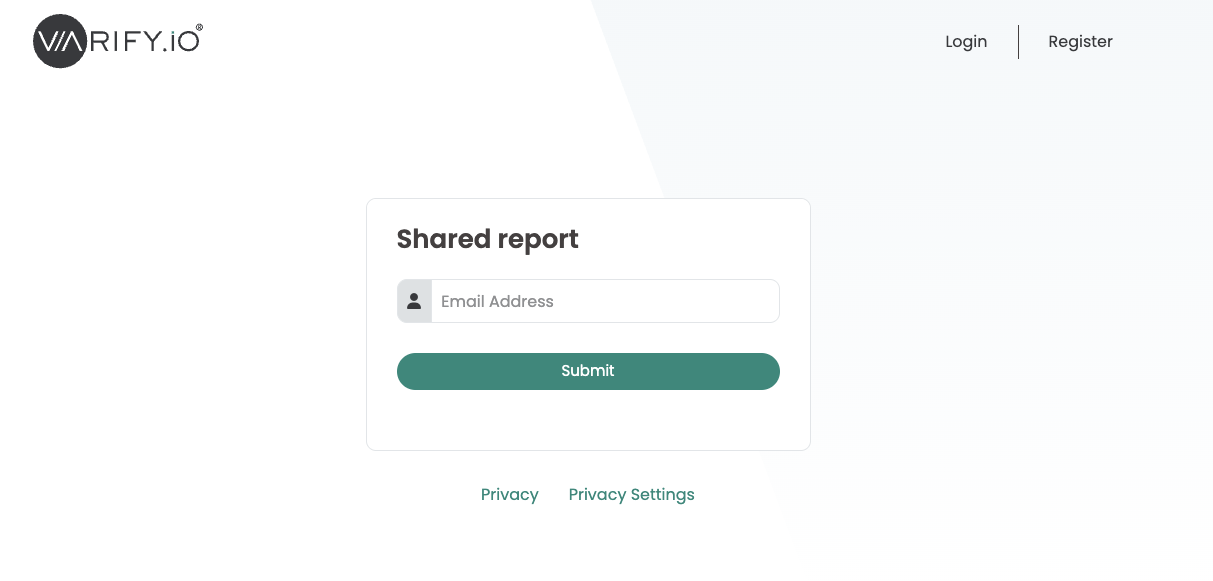
To open the report via the share link, the visitor must enter their e-mail address when accessing the page. The user must then confirm their email address by clicking on the confirmation link in the email.
Optional: You can set an expiration date for the share link. After this date, the link will be deactivated.
Edit or delete share link
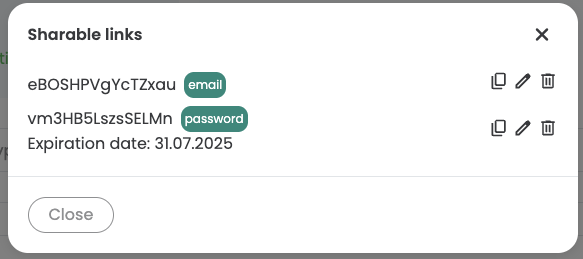
Once the share link has been created, you can copy, edit or delete it at any time via "Share Report".
All share links created for the report are listed here. Copy the link using the "Copy" icon, edit it using the "Pencil" icon or delete it using the "Trash can" icon.