MS Clarity
Table of contents
In short
In Microsoft Clarity, you can filter recordings by Varify experiment and variation. Use this filter to see how visitors behave in a specific variation of your experiment.

How to filter recordings by variation
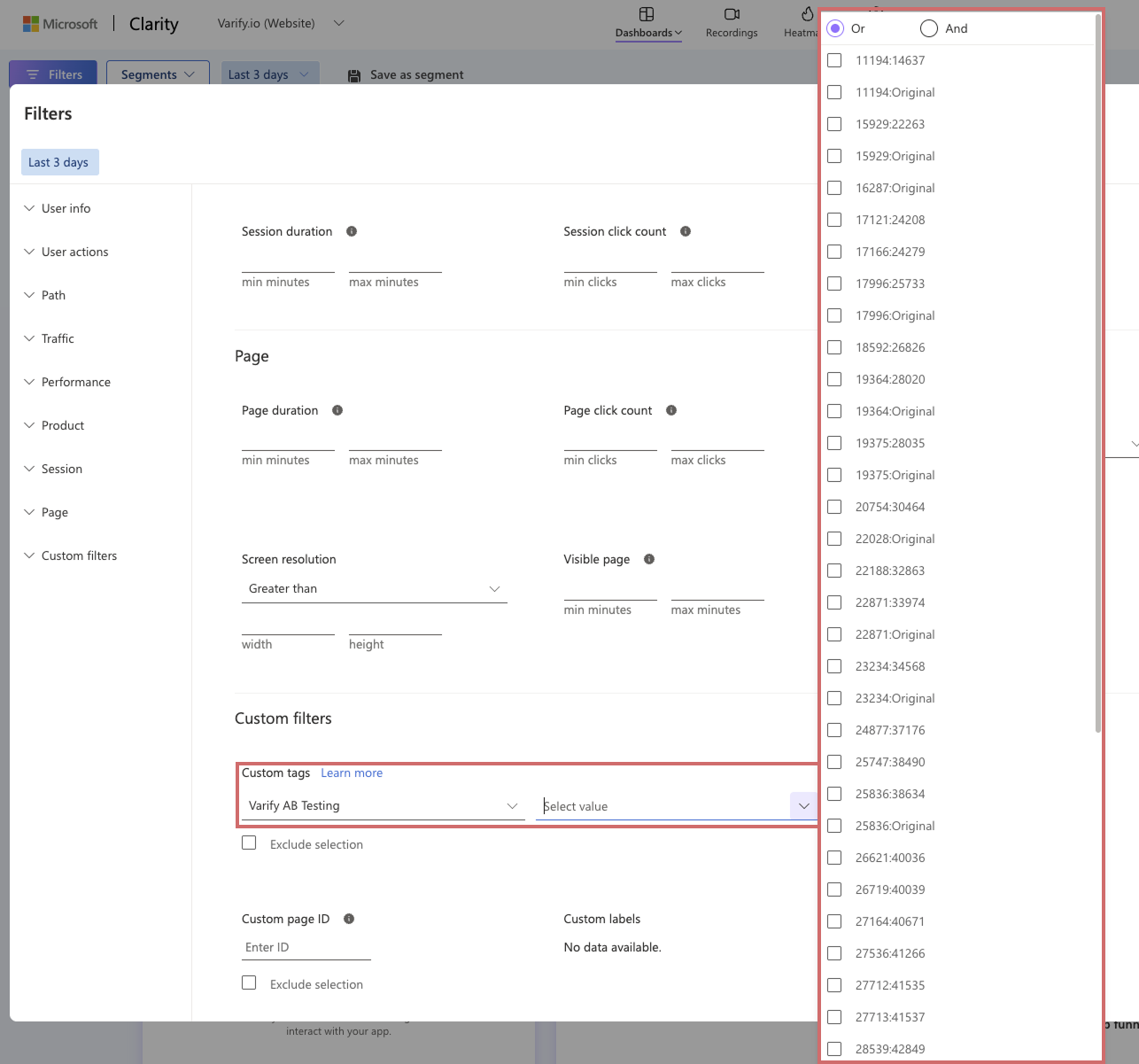
To evaluate the variations of your experiment, for example to view recordings in MS Clarity for a specific experiment, follow these steps:
- Click the filter button in MS Clarity.
- Scroll to the „Custom filters“ section.
- Select the „Varify AB Testing“ category.
- Under „Value“, you will find all experiment and variation IDs.
- Select the variations for which you want to create the segment.