BigQuery integration in Varify
Table of contents
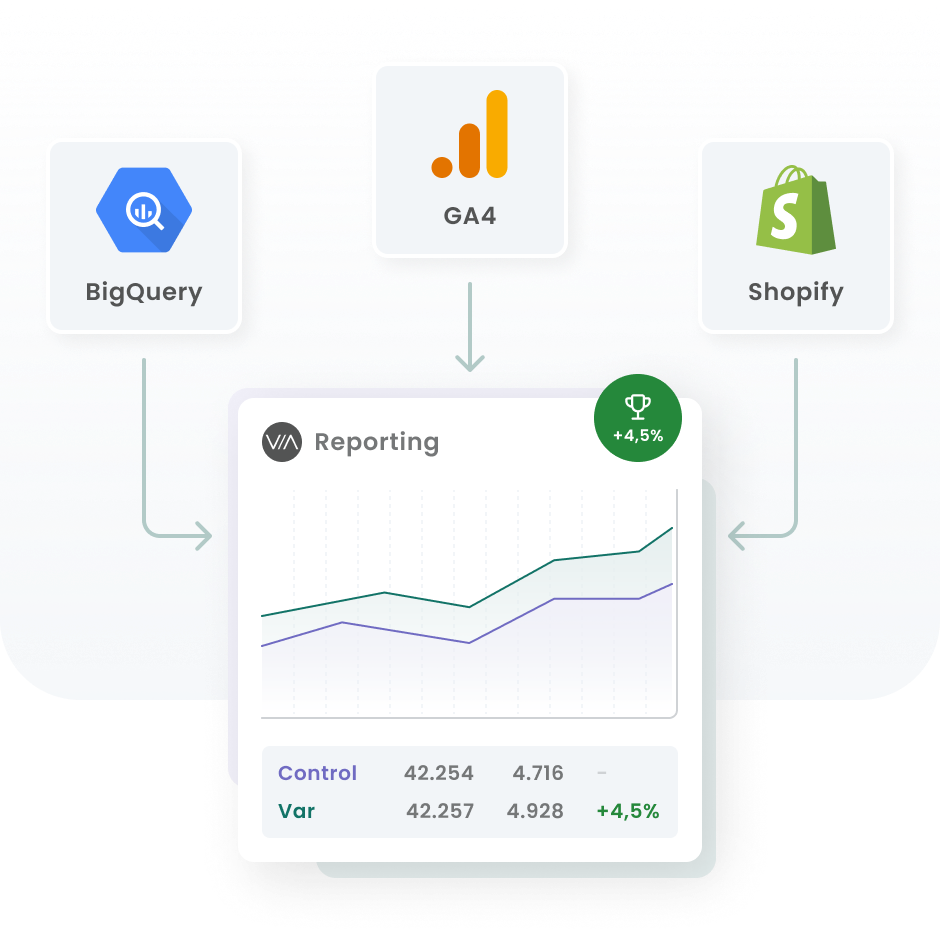
Connect Varify.io with BigQuery
Once you have activated the function via the feature flag, you can use it to its full extent.
Either connect an existing GA4 BigQuery project or create a new project with the one-click auto setup and connect it to Varify.
You can find detailed instructions on how to connect Varify with BigQuery here:
All posts about BigQuery and Varify
In these articles, we will show you step by step how to link Varify with BigQuery to evaluate your experiments even more efficiently. If you have not yet created a BigQuery project, we will also guide you through the setup and connection with Google Analytics 4 (GA4).
What is BigQuery?
Connect BigQuery with Varify
Set up BigQuery project
Project and report options
Coming soon...
Learn more